

Add Spanish Subtitles in Three Easy Steps
01
Create a New Spanish Video Project
Log in, click New Video, upload your clip, and choose Spanish as the source language.
Our AI instantly transcribes Spanish audio into accurate, easy-to-read subtitles, helping you reach Spanish-speaking audiences faster and with zero manual effort.02
Review, Edit, and Add Spanish Subtitles
Even with highly accurate Spanish transcription, you can easily edit your subtitles. Our intuitive editor lets you adjust words, phrases, and names for perfect Spanish subtitles, all without any technical skills.
03
Preview and Export Your Spanish Subtitled Video
Once your subtitles are perfect, click Export Video. Our system creates a high-quality, perfectly timed Spanish subtitled video ready to share.
In seconds, your video becomes more accessible, engaging, and impactful for Spanish-speaking audiences.
Add Spanish Subtitles to Your Videos Effortlessly
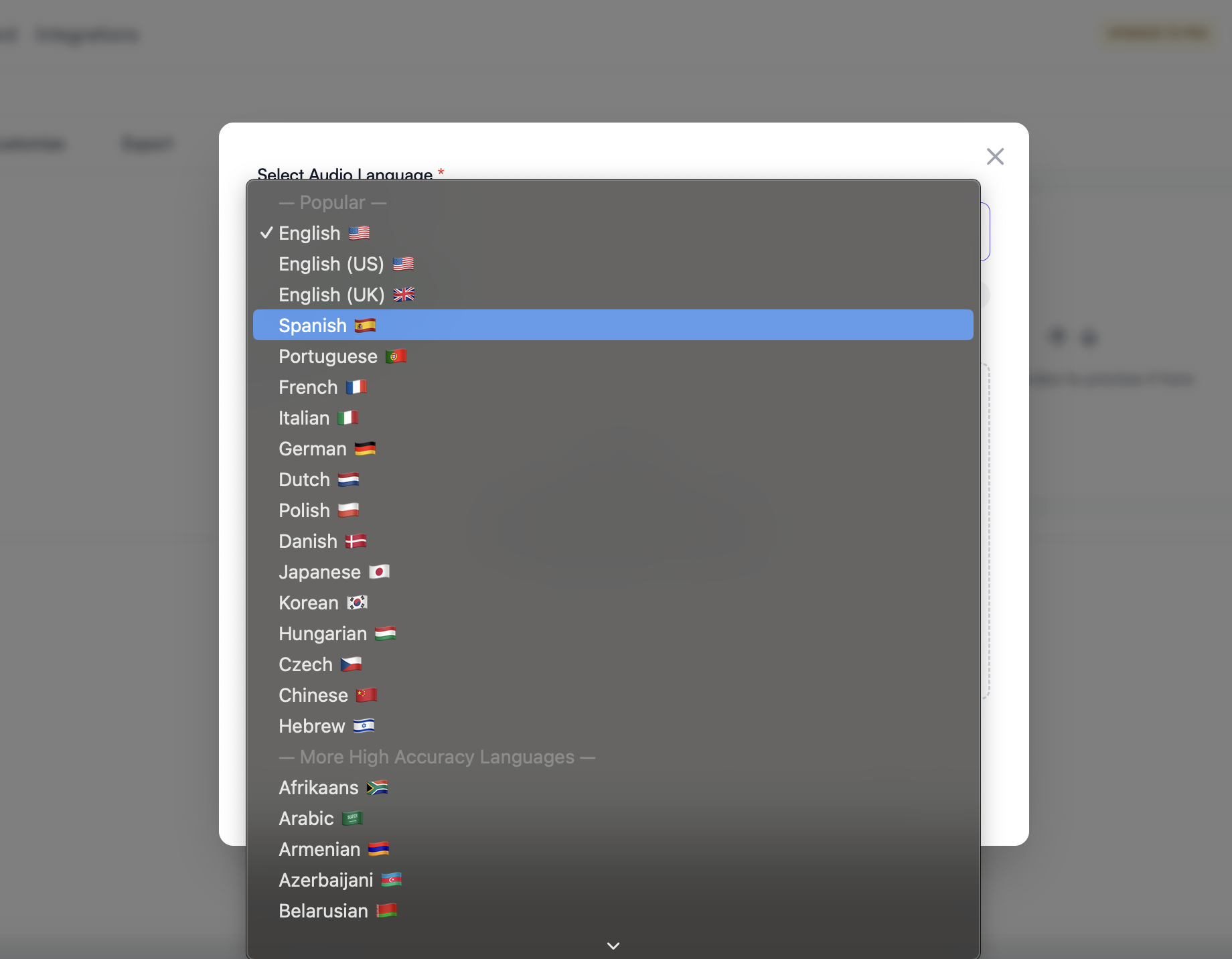
Fast, accurate subtitles in 98+ languages
SubtitleMe uses advanced AI to automatically generate precise Spanish subtitles and video transcripts for any video or audio content. Achieve industry-leading accuracy and make your content accessible to a global audience effortlessly.
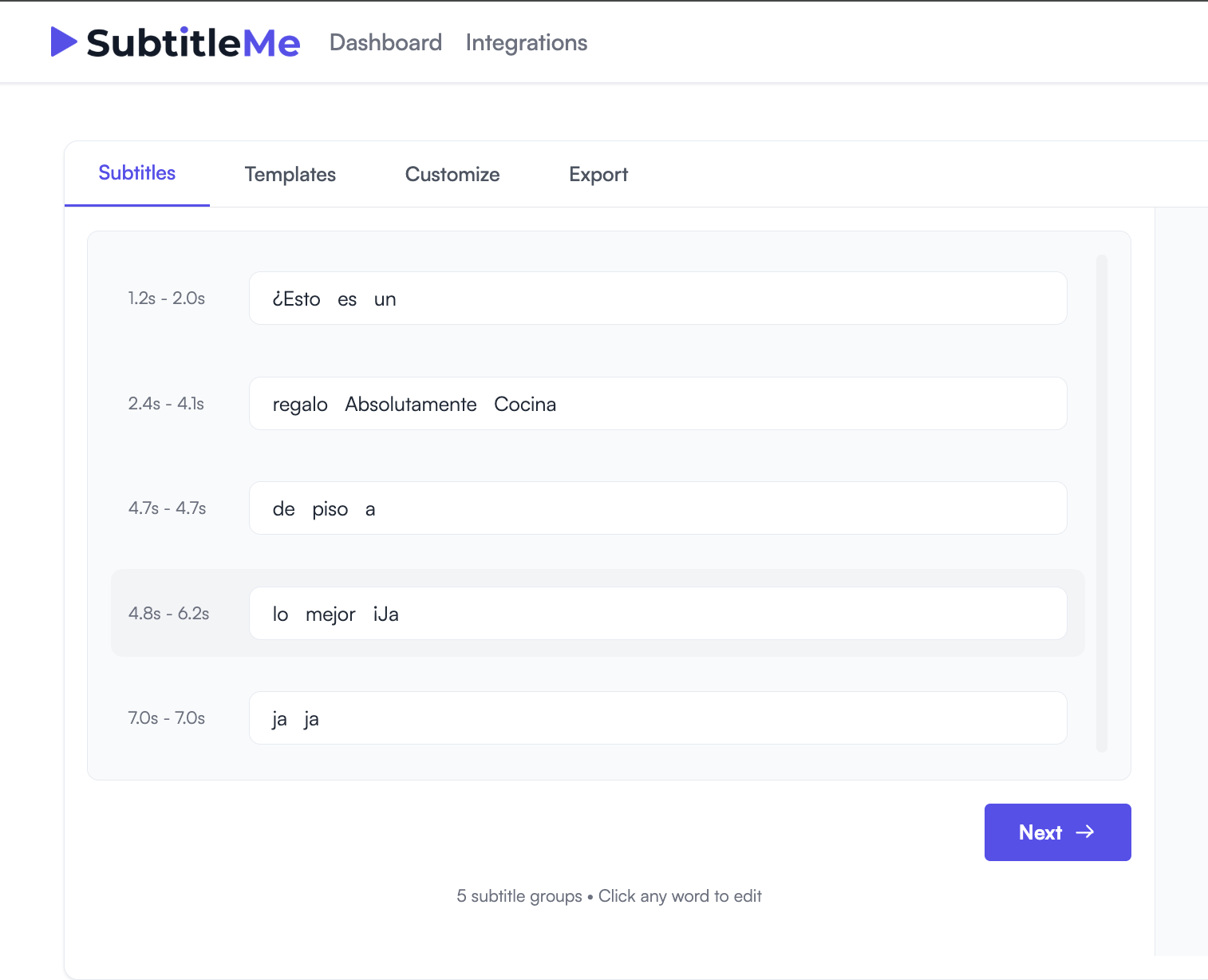
Always auto-synced captions
Take full control of your Spanish subtitles with AI built for precision. Edit subtitles frame by frame for flawless timing, quickly refine words, phrases, and line breaks, and deliver subtitles that look professional on every platform. Export effortlessly for YouTube, TikTok, Instagram, and broadcast so your videos are always perfectly captioned and ready to perform.
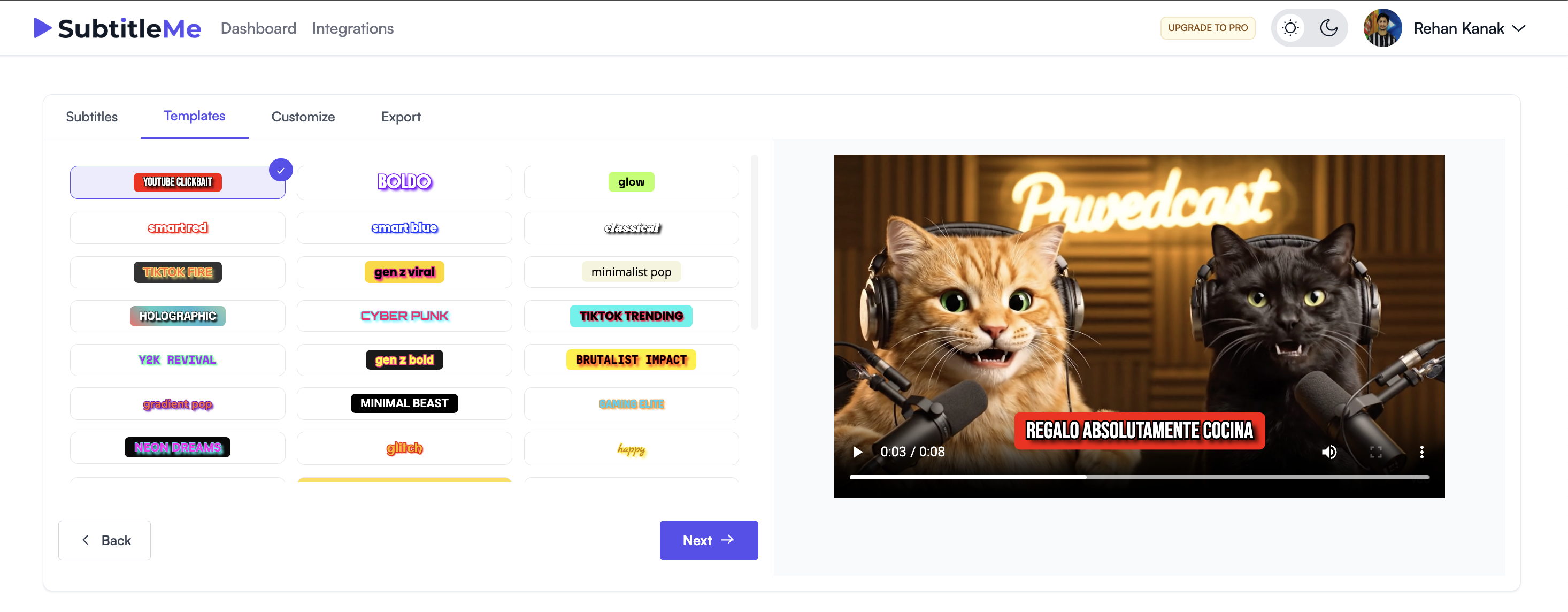
Transcribe Spanish in real-time
Choose a template that fits your style, or customize Spanish subtitles with your preferred font, color, size, and position to match your brand. Whether you prefer clean and modern or bold and striking subtitles, our tool makes it easy.
Also, we recently launched Youtube Integration where you can directly upload videos to Youtube without switching apps, more integrations coming soon.
Try Our Free Tools
Powerful conversion tools with no signup required